Feature gallery
Explore marimohub through sample projects and notebooks. Available features and compute choices depend on your deployment. Select any screenshot to open it at full size.
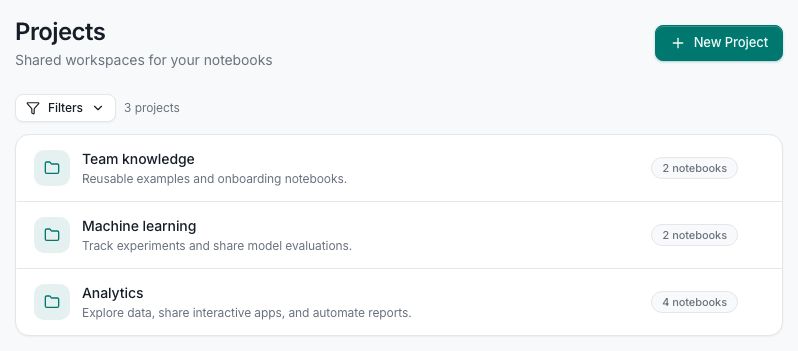
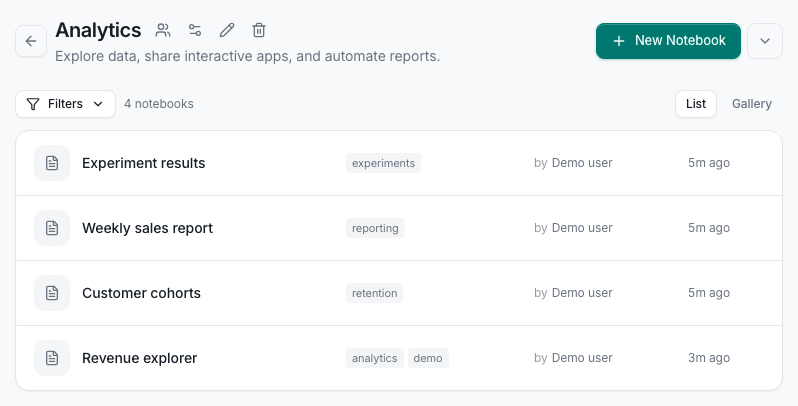
Projects and notebooks
Organize notebooks into shared projects. Each project has its own notebook list, tags, members, and environment configuration.
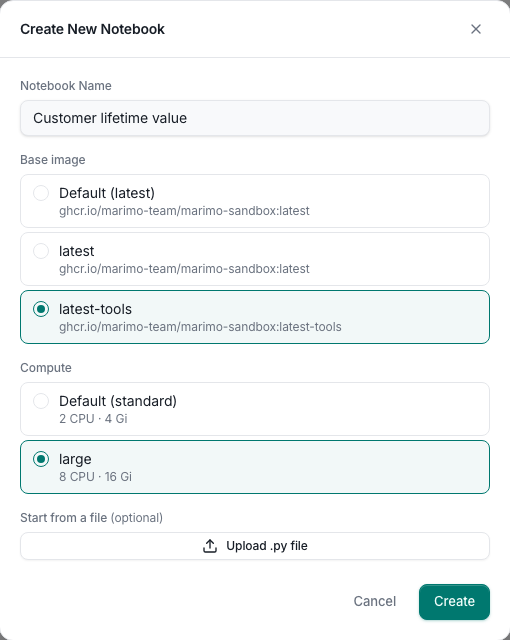
Creating notebooks
Start with a blank notebook or upload a Python file. Choose from the base images and compute profiles your deployment offers.
Syncing with GitHub
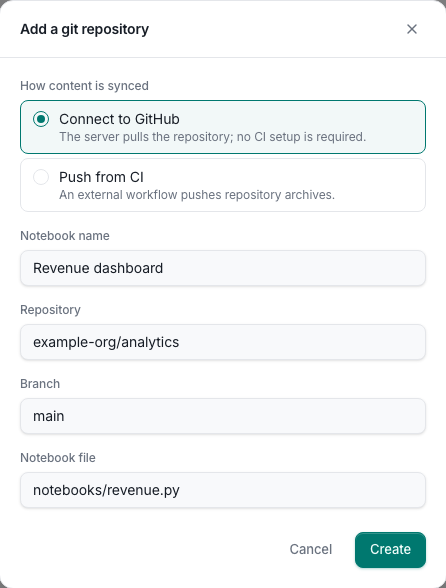
Connect a repository, branch, and notebook file. The hub can pull updates from GitHub, or receive repository archives from CI.
Permissions
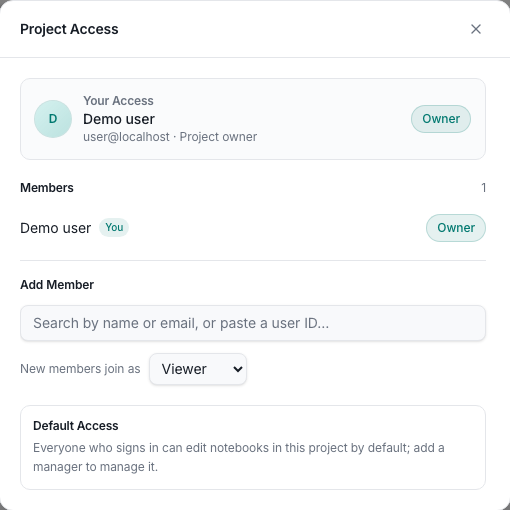
Inspect project access and assign members a role: app user, viewer, editor, or manager.
Reactive notebook editing
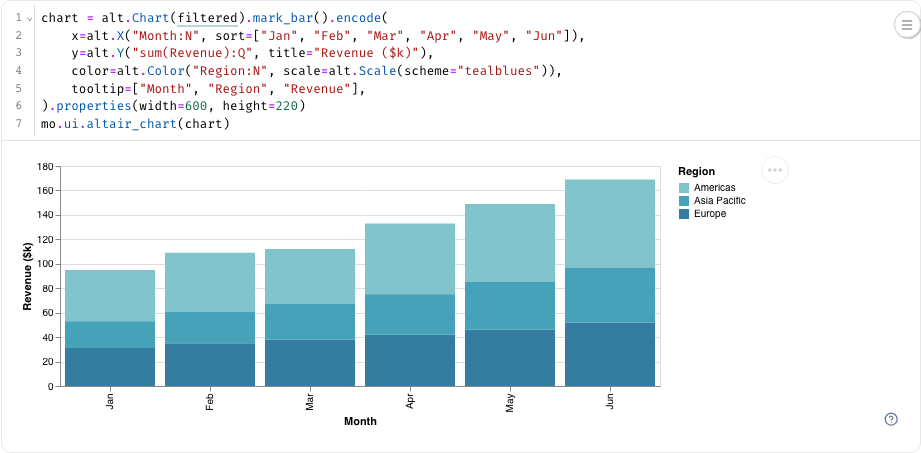
Edit Python cells and see their outputs in marimo. Charts, tables, and interactive controls stay connected to the code that produces them.
Workspace files
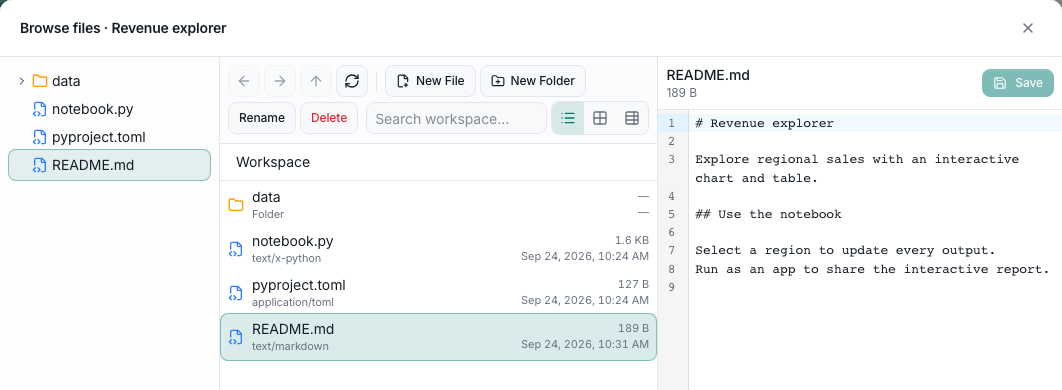
Browse and edit workspace files without starting a sandbox. Keep data, supporting code, and documentation beside the notebook.
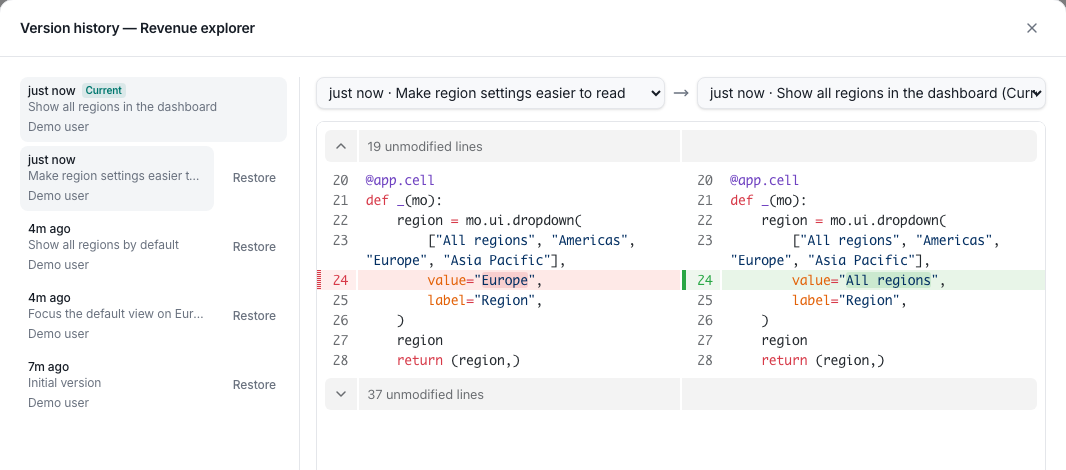
Version history
Compare saved versions side by side, inspect code changes, and restore an earlier version.
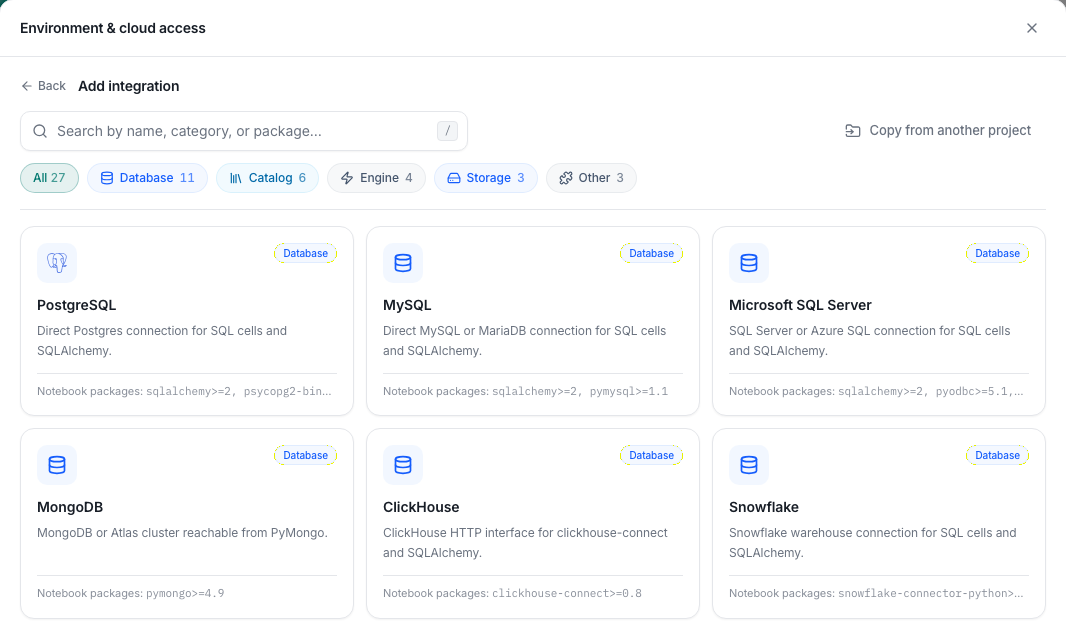
Data source integrations
Choose from the integration catalog to configure databases, catalogs, query engines, object storage, and other services for a project.
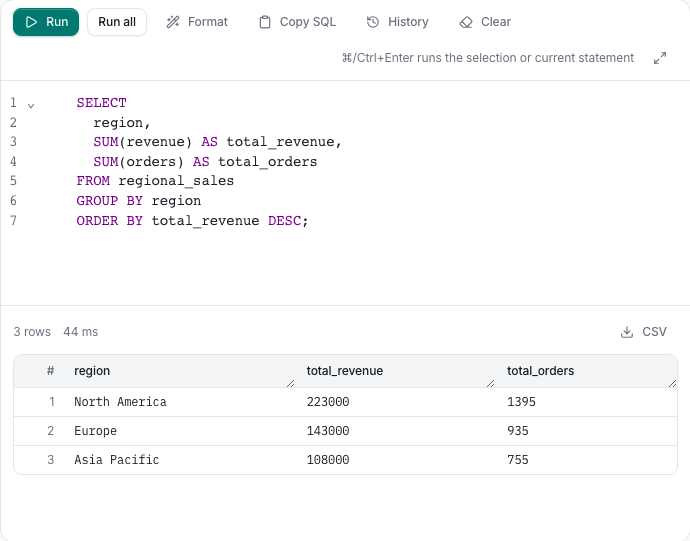
SQL querying
Run SQL against supported integrations from the Data page. Inspect query results and export them as CSV without starting a notebook.
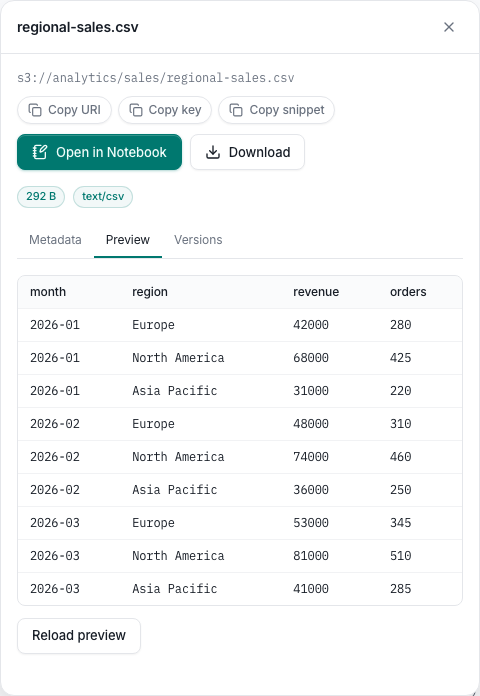
Object browser
Browse object storage, inspect metadata and versions, and preview supported files. Download an object or open it in a notebook.
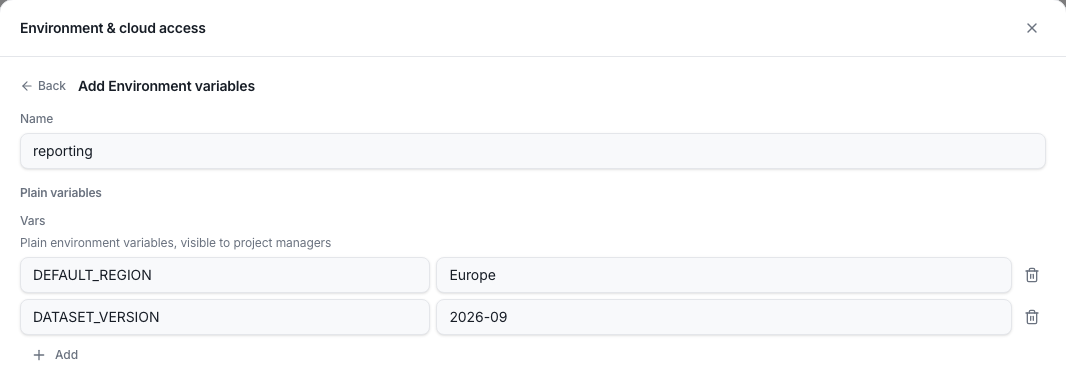
Environment variables
Store project environment variables in versioned configuration. New sessions receive the latest values; running sessions keep their initial configuration.
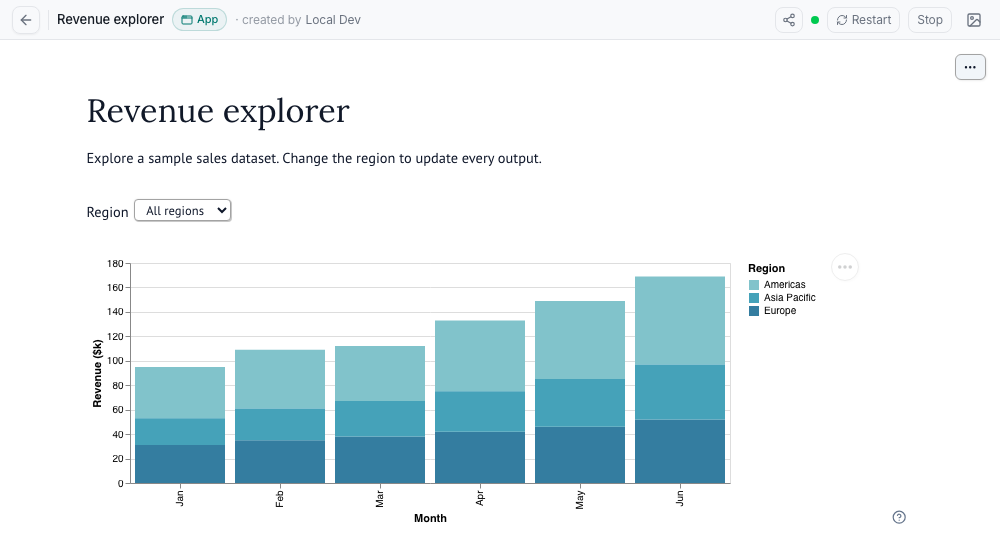
Interactive apps
Run a notebook as an app to share its controls and outputs with people who do not need the editor.
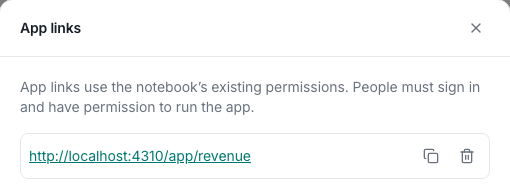
Named app links
Give an app a short, memorable link. Recipients sign in and use the notebook’s existing permissions.
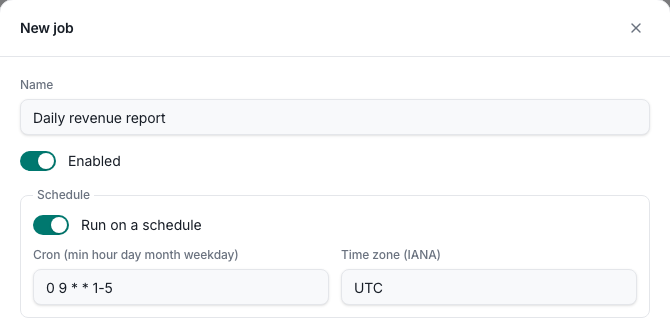
Jobs
Schedule a notebook job, or run it on demand. Jobs keep a run history with rendered output and logs.
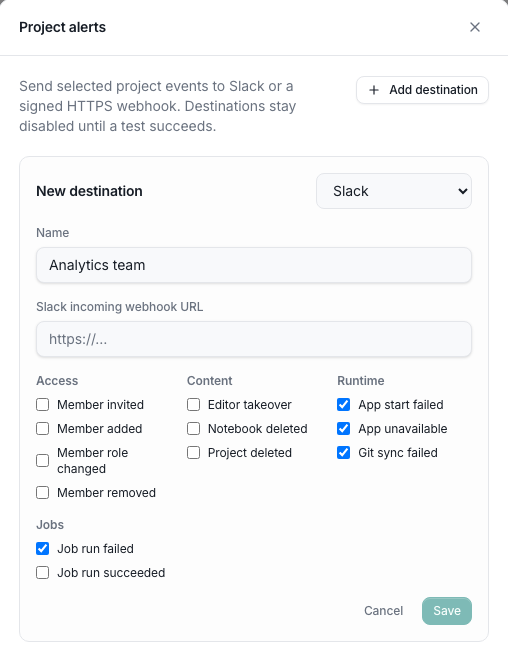
Notifications
Choose which project events trigger Slack or signed webhook alerts, including failed jobs, app failures, and access changes. Operators can also configure deployment-wide notifications.
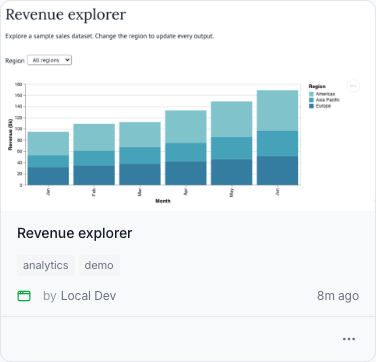
Gallery thumbnails
Switch a project to Gallery view to recognize notebooks by their outputs. Upload and crop a custom thumbnail for each notebook.
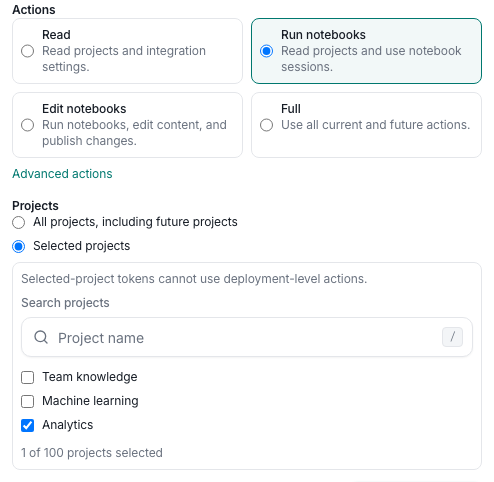
Scoped API tokens
Give scripts and the CLI personal API tokens limited to selected actions and projects.